
Why WhatsApp works better than forms for many SMEs
For many Malaysian customers, WhatsApp is the normal way to talk to a business. It feels quicker than a form, the conversation stays on their phone, and they can send photos, locations or voice notes when words are not enough.
Forms still have a place. They are useful when you need structured details, such as event dates, guest counts or file uploads, or when an enquiry must reach several people. Many good websites offer both and let the customer choose.
Pre-fill the first message
A WhatsApp link can open with a message already typed. This removes the awkward blank box and tells you immediately what the customer was looking at.
| Page | Pre-filled message |
|---|---|
| Wedding package | Hi, I'm interested in the Wedding package. Is [date] available? |
| Property project | Hi, I'd like the price list and floor plans for [project]. |
| Website package | Hi, I'd like a quote for the Business Website package. |
Thaqwa Square's venue website uses this pattern: each event package has its own quote button that opens WhatsApp with the package already named.
Answer the questions that stop people messaging
People hesitate when they are unsure whether you serve their area, whether the price is in their range, or whether messaging commits them to anything. Answer those on the page.
- Show a starting price or price range, even if the final quote depends on details.
- State your service area and operating hours.
- Say what happens after they message: who replies, and roughly how quickly.
- Show real photos and proof of past work near the button.
Measure which pages create conversations
Website analytics can count clicks on each WhatsApp button, labelled by page and package. After a month you will see which pages start conversations and which ones visitors leave without acting. Improve the weakest page first, and check again.
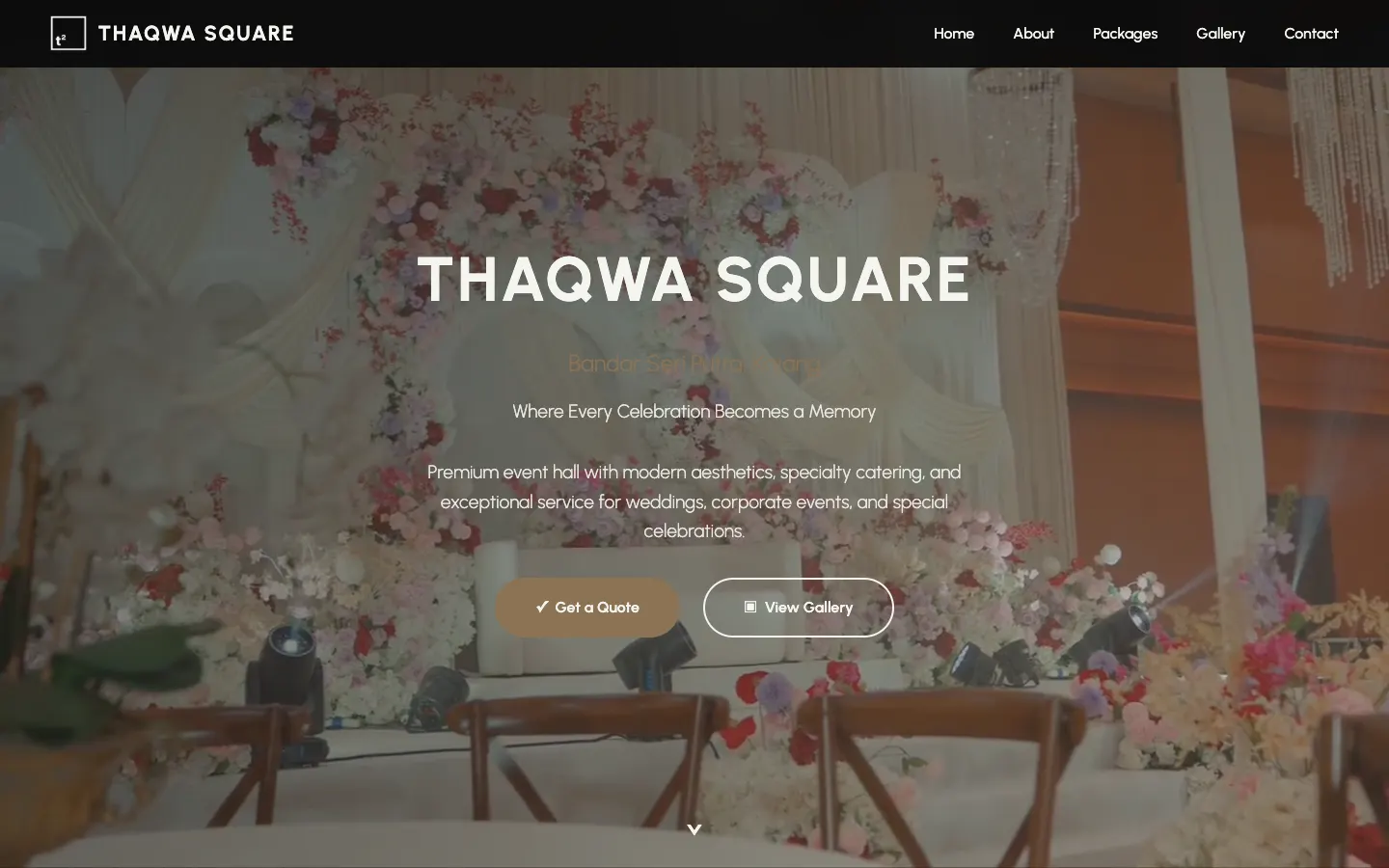 Project story · 5 min readThaqwa Square: a wedding hall website that turns browsing into WhatsApp quotes