
Define the outcome before listing pages
Start with what a visitor should understand or do. “We need a modern website” describes a style preference. “We need homeowners in Klang Valley to understand our renovation services and request a site visit” gives the project a measurable direction.
Choose one primary action for the first release. It might be sending a WhatsApp enquiry, submitting a project brief, booking a consultation, ordering a product, registering for an event, or reviewing the company before calling. Secondary actions are fine, but the page hierarchy should not treat all of them as equally important.
Collect the facts customers use to make a decision
Customers usually arrive with practical questions. Your source material should answer them in plain language before design work begins.
- Registered or public-facing business name and a one-sentence description
- Service or product list, including important exclusions or minimum orders
- Areas served, operating hours, response times, and preferred contact method
- Prices or the factors that determine a quotation, if prices cannot be published
- Delivery, booking, cancellation, return, or warranty information where relevant
- Common customer questions and the answers your team gives repeatedly
Do not polish the wording too early. Accurate rough notes are more useful than a short paragraph that removes the details customers actually need.
Build a simple content inventory
A content inventory shows what is ready, what needs writing, and who owns each missing item. For a typical small business website, use the following list as a starting point.
| Page or section | Material to prepare |
|---|---|
| Home | Short business explanation, main services, strongest proof, and primary action |
| Services | What each service includes, who it is for, process, and useful constraints |
| About | Company background, working approach, relevant team details, and genuine differentiators |
| Projects or proof | Approved project images, outcomes, testimonials, credentials, or client names |
| FAQ | Real questions about price, timing, process, delivery, revisions, or support |
| Contact | Phone, WhatsApp, email, address, hours, map details, and enquiry fields |
Mark every item as ready, needs editing, needs approval, or unavailable. That small exercise often reveals the real project bottleneck before development starts.
Prepare credible images and proof
Real images help customers understand the business faster than generic stock photos. Gather the highest-resolution original files you have rather than images saved from WhatsApp or screenshots of social media posts.
- Logo files, ideally SVG or a large transparent PNG
- Products, completed work, premises, team, equipment, or service process
- Project captions explaining what is shown and why it matters
- Testimonials with permission to publish the customer name or business
- Licences, certifications, awards, media mentions, or partner logos that customers recognise
Create one shared folder with clear filenames. “kitchen-renovation-subang-after.jpg” is easier to place and review than “IMG_4837-final-final.jpg”. Keep a note of any image that cannot be published publicly.
Describe what should happen after a customer clicks
A feature is not complete when the button works. Explain what your team needs after the submission. For an enquiry form, list the questions to ask, who receives the message, whether a copy goes to the customer, and how staff will follow up. For a booking, explain availability, confirmation, payment, cancellation, and rescheduling.
Also decide what your team must edit. If prices change every week, a manageable product or service list may be worth the added CMS scope. If the website changes twice a year, asking the studio to make occasional updates may be simpler and cheaper.
List the accounts and ownership details
The business should know who owns the domain, analytics property, payment account, advertising account, and any external service connected to the website. Use business-controlled accounts where possible, then grant the studio the access needed for setup.
- Domain registrar and renewal contact
- Existing hosting or website platform
- Business email provider
- Google Analytics, Search Console, Meta, or advertising accounts
- Payment gateway, booking tool, CRM, email marketing, or spreadsheet access
- Current website files, redirects, and login details if replacing a site
Do not send passwords in an open project brief. First list the accounts, then share access through the provider's invitation system or an agreed secure method when the work requires it.
Choose an approver and plan the feedback
Website timelines often slip while the build waits for content or conflicting feedback. Name one person who will collect comments, confirm factual accuracy, and approve each stage. If several stakeholders must review, agree on the internal review order before the first preview arrives.
Share a real launch constraint, such as an event, campaign, tenancy opening, or product release. A preferred date without a business reason can be adjusted; a paid campaign date cannot. The studio can then recommend what must be ready for the first release and what can follow later.
A brief you can copy into your first message
- Business and customer: what we sell, who buys it, and where we operate.
- Website goal: the main action we want visitors to take.
- Expected scope: pages, products, forms, booking, payment, login, or other functions.
- Content status: what copy, images, and proof are ready or need help.
- References: two or three links with a note on what is useful about each.
- Practical limits: budget range, target launch date, and required integrations.
- Decision maker: the person responsible for consolidated feedback and approval.
This brief is enough to begin a useful conversation. A good studio will then ask the questions needed to turn it into a written scope.
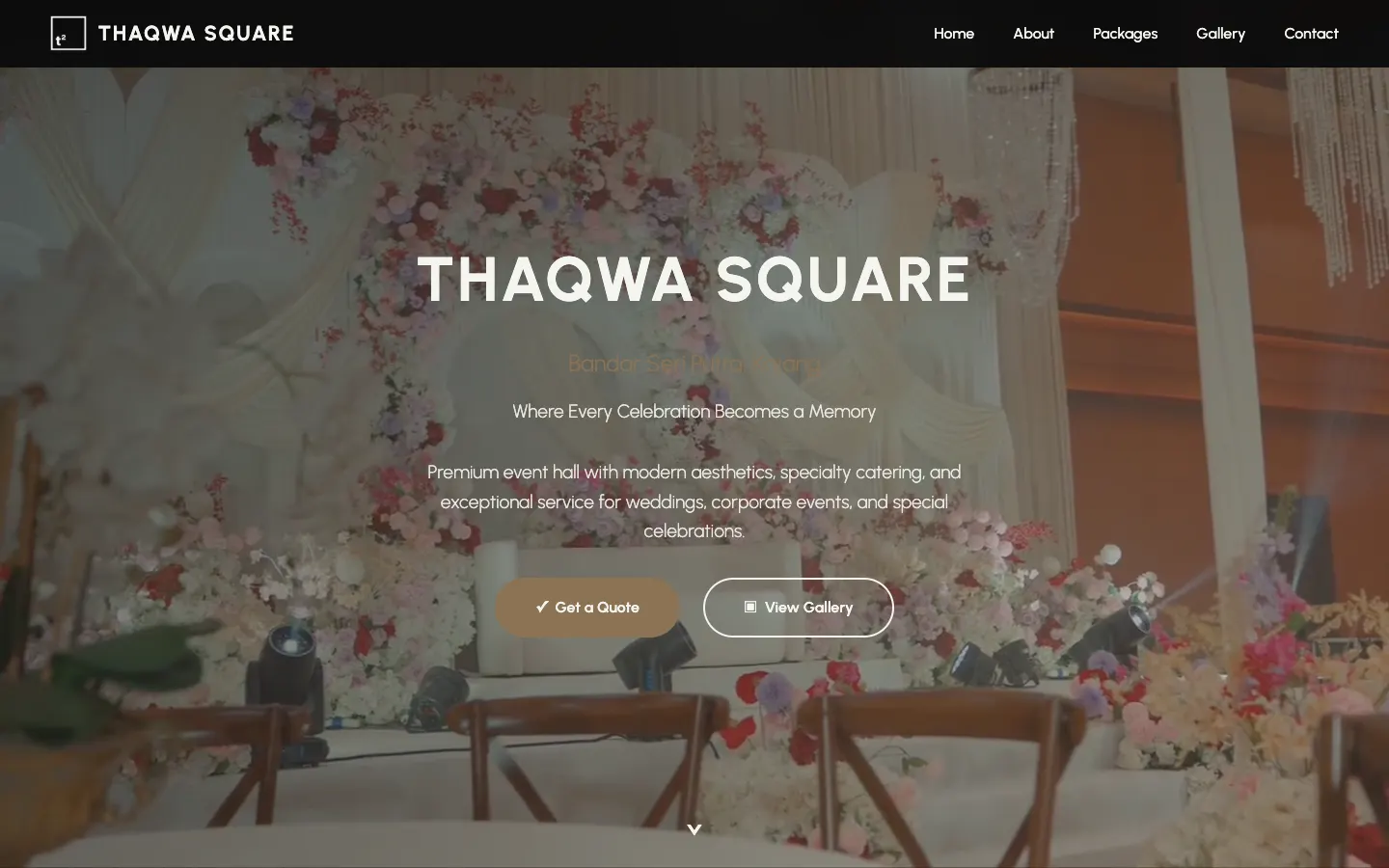 Project story · 5 min readThaqwa Square: a wedding hall website that turns browsing into WhatsApp quotes