
What the profile does and what the website does
When someone searches for a service near them, Google often shows a map with a few businesses before the normal results. Those entries come from Google Business Profiles. They show your name, rating, hours, phone number, photos and a link to your website.
The profile helps people find you. The website helps them choose you. It explains your services and prices in more depth, shows your work and gives them a clear way to contact you. The two support each other: a consistent profile linking to a useful website is a stronger local signal than either one alone.
How to create your profile, step by step
- Sign in to a Google account that belongs to the business, ideally one using your company email, and go to business.google.com.
- Search for your business name. If a listing already exists, claim it instead of creating a duplicate.
- Choose the business category that best describes your main service. You can add secondary categories later.
- Decide how customers reach you. If customers visit your premises, add the address. If you travel to customers or work online, choose a service area such as Kuala Lumpur or Selangor and hide the street address.
- Add your phone number and website address exactly as they appear on your site.
- Complete verification. Google may ask for a video of your premises or signage, a phone or email code, or a postcard, depending on the business.
- After verification, add opening hours, services, a short description and real photos.
Make the business details match everywhere
Search engines compare the business name, address or area, and phone number across your profile, website, social pages and directories. Matching details make it easier to confirm the business is real and current.
| Detail | Where it must match |
|---|---|
| Business name | Profile, website header and footer, Facebook, directories |
| Phone or WhatsApp number | Profile, website contact page, social profiles |
| Location or service area | Profile, website contact and about pages |
| Website address | Profile, social bios, email signature |
Your website can also describe these details in structured data, a small block of code that tells search engines your name, phone, area and social links in a format they read directly. A developer can add this in under an hour.
Reviews and photos: what actually moves people
Reviews influence both ranking and choice. Ask every happy customer for a review, ideally soon after the job is finished. A direct link from your profile makes this one tap for them.
- Reply to every review, positive or negative, politely and specifically.
- Upload real photos of your work, premises, products or team. Replace them as your work changes.
- Post updates for new services, promotions or recent projects. They show the business is active.
- Never buy or write fake reviews. Google removes them and can restrict the profile.
What your website should do in return
- Have a dedicated page for each main service, so Google can match specific searches to specific pages.
- Mention the areas you serve naturally in the content, without stuffing place names into every sentence.
- Show the same phone number and contact details as your profile.
- Load quickly on phones and make the WhatsApp or call action obvious.
- Link to your Google reviews or show a few genuine ones with permission.
Realistic expectations
A new profile rarely appears at the top immediately. Distance from the searcher, how well your categories match the search, and how established the business looks online all matter. Consistent details, steady reviews and a helpful website improve your chances over months, not days.
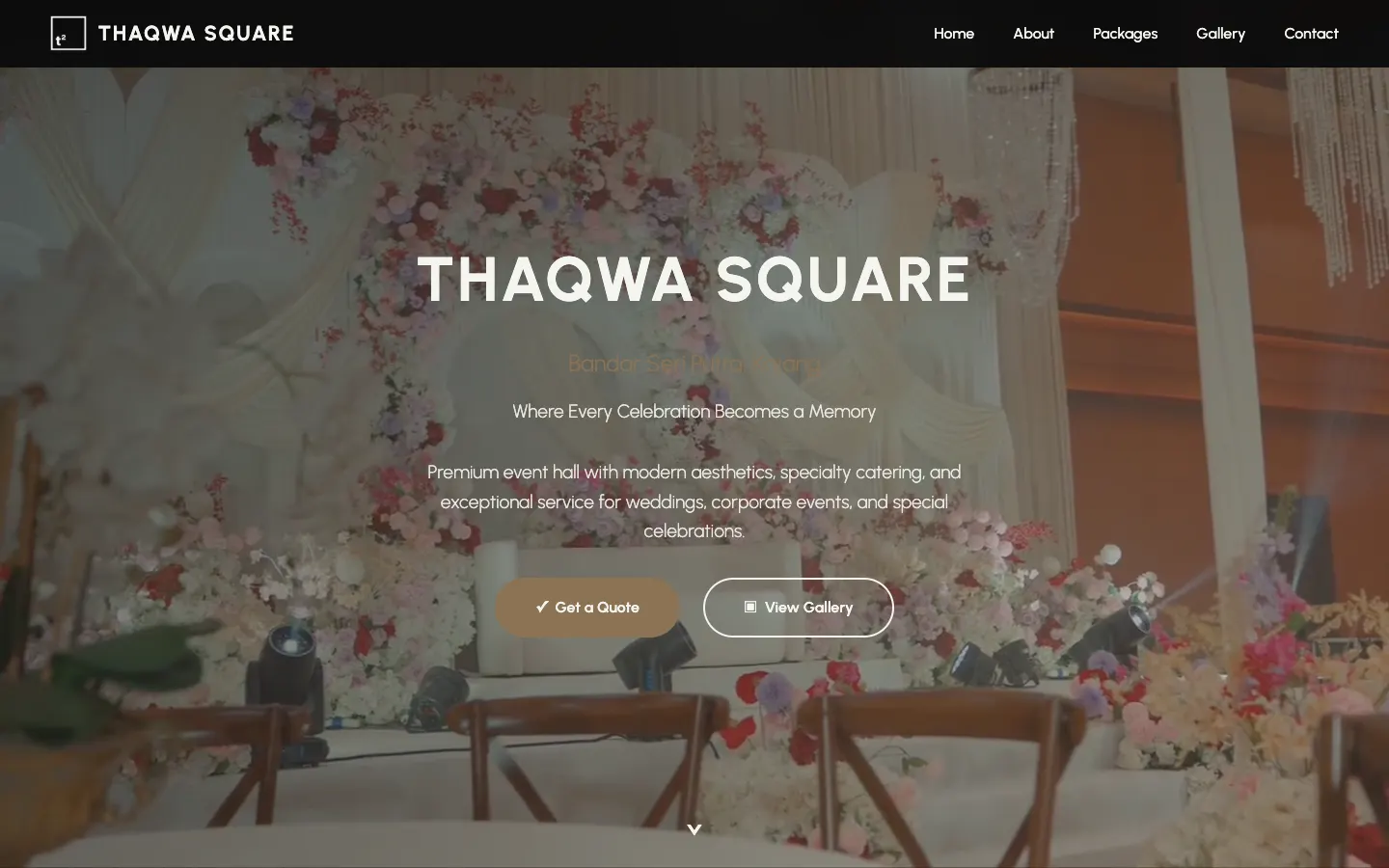 Project story · 5 min readThaqwa Square: a wedding hall website that turns browsing into WhatsApp quotes