
A click is a maybe, not a customer
Here's a situation we hear about all the time. You boost a post or set up an ad. The dashboard says hundreds of people clicked. You check WhatsApp. Two messages. One of them asks if you're still open.
It's tempting to blame the ad, the audience or the algorithm. Sometimes that's fair. But if people are clicking, the ad has already done its job: it made them curious. What happens in the next five seconds decides whether that curiosity turns into a message.
And in most cases, those five seconds happen on a page that was never designed for them.
Where your clicks are probably going
Look at where your ad actually sends people. It's usually one of these:
- Your home page, which talks about everything you do instead of the one offer they clicked on.
- Your Instagram or Facebook page, where the offer is buried under three weeks of other posts.
- A link-in-bio page with eight buttons and no explanation.
- A marketplace listing where your competitors appear right underneath you.
- A website that takes so long to load on mobile data that they give up before it appears.
None of these are terrible. They just weren't built to answer the exact question the ad raised. So the visitor has to work to find the answer, and most people won't.
The five-second test
Open your ad's link on your own phone, ideally on mobile data, not office Wi-Fi. Count to five. Then ask yourself:
- Can I see the same offer the ad promised, in the same words?
- Do I know roughly what it costs, or at least what it starts from?
- Is there any proof that this business is real: photos, reviews, past work?
- Is it obvious what to tap next?
If you answered no to two or more, that's your leak. Not the ad budget. Not the targeting. The page.
What a page built for ads actually looks like
A landing page for ads is simple on purpose. It does one job: take someone who's curious and make it easy for them to start a conversation. That usually means:
| Element | What it does |
|---|---|
| A headline that matches the ad | Tells visitors they're in the right place. If the ad says 'Wedding packages from RM15,000', the page should say it too. |
| Price or starting price | Filters out people who were never going to buy, and reassures those who can. |
| Real photos | Stock photos look like stock photos. Your actual product, space or team builds trust faster. |
| Two or three pieces of proof | A short testimonial, a number of customers served, or a photo of finished work. |
| One clear button | WhatsApp, with a prefilled message that names the offer, so you know exactly what they want. |
| Answers to the usual questions | Delivery area, timing, what's included. Every question answered on the page is one less reason to leave. |
What to take away
Most ad pages fail because they have too much on them, not too little. Before adding anything, try removing:
- The full navigation menu. Every link is a door out.
- Other products or services that have nothing to do with this ad.
- Long company history. Save it for the About page.
- Pop-ups that cover the offer before people have read it.
- Heavy videos that autoplay and slow the page down on mobile.
Speed is part of the message
People clicking ads are usually scrolling on their phone, often on mobile data. If the page shows a blank screen for a few seconds, plenty of them simply go back to their feed. You paid for that click either way.
Compress your images, avoid stacking plugins and tracking scripts you don't use, and test the page on an average phone, not just the newest one in the office.
Do you need a landing page or a full website?
For ads, a single focused page usually beats a full website, because the visitor came for one thing. A full website makes more sense when people search for you on Google, compare several services or need to check your company before buying.
Plenty of businesses start with a landing page for their ads and grow it into a full website later. If it's built properly, the landing page becomes the first page of the bigger site instead of being thrown away.
Before you spend another ringgit on ads
- Run the five-second test on your current ad link.
- Make the page headline match the ad word for word.
- Add a price or starting price.
- Swap stock photos for real ones.
- Cut it down to one button, and make it WhatsApp with a prefilled message.
- Test it on mobile data before you turn the ads back on.
If you'd rather not rebuild it yourself, send us the ad and the page it currently points to. We'll tell you honestly whether it's the page, the offer or the targeting.
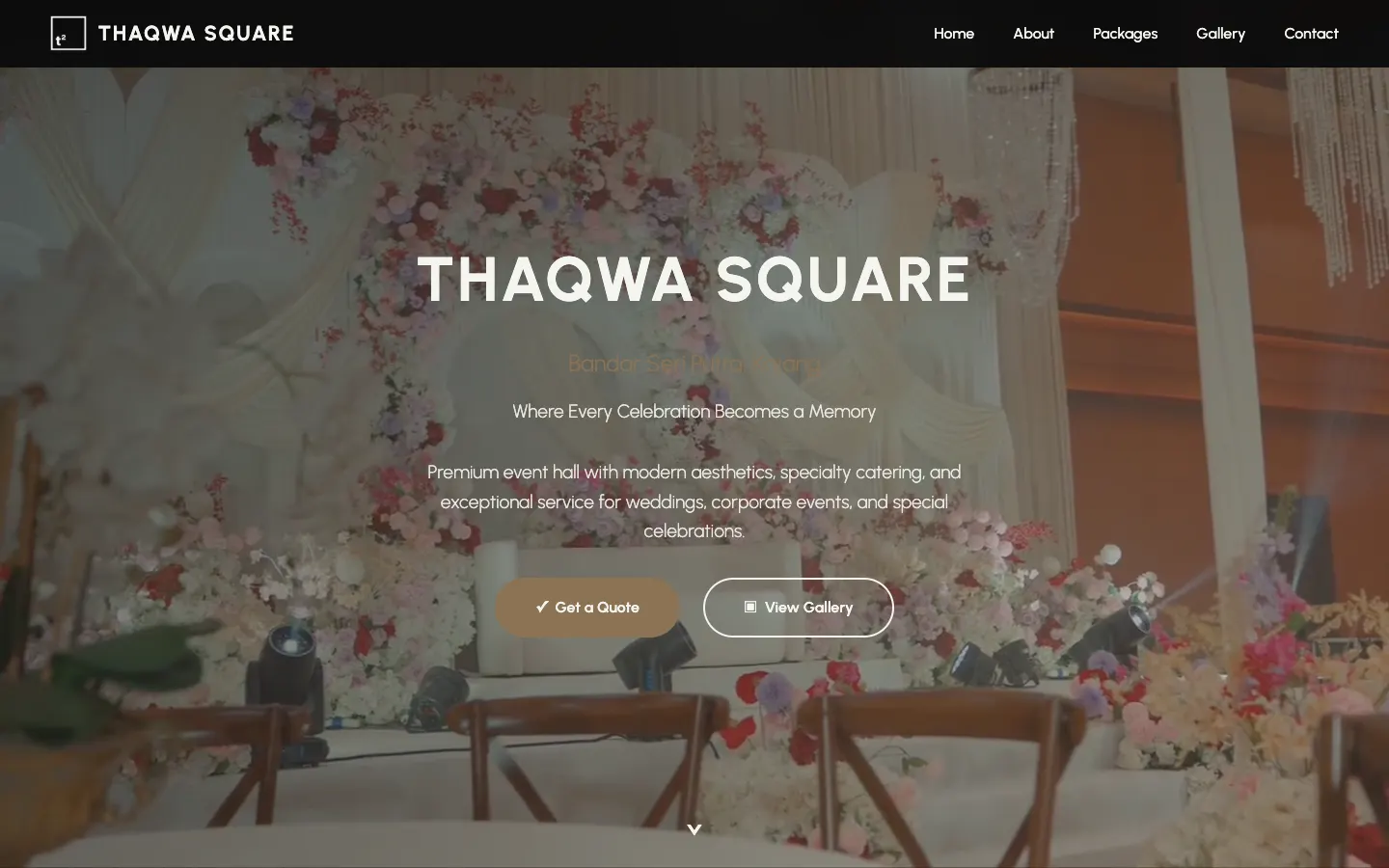 Project story · 5 min readThaqwa Square: a wedding hall website that turns browsing into WhatsApp quotes